Their own creations
Turn a drawing, craft, or invented character into a story where the child's imagination leads.
Their drawing, toy, pet, or family memory becomes part of the adventure.
StoryLens turns familiar people, places, and creations into an age-aware story your family can review, edit, save, and hear together.
Free download · In-app purchases · Generation limits apply. View your allowance and localized subscription price in the app before purchasing.
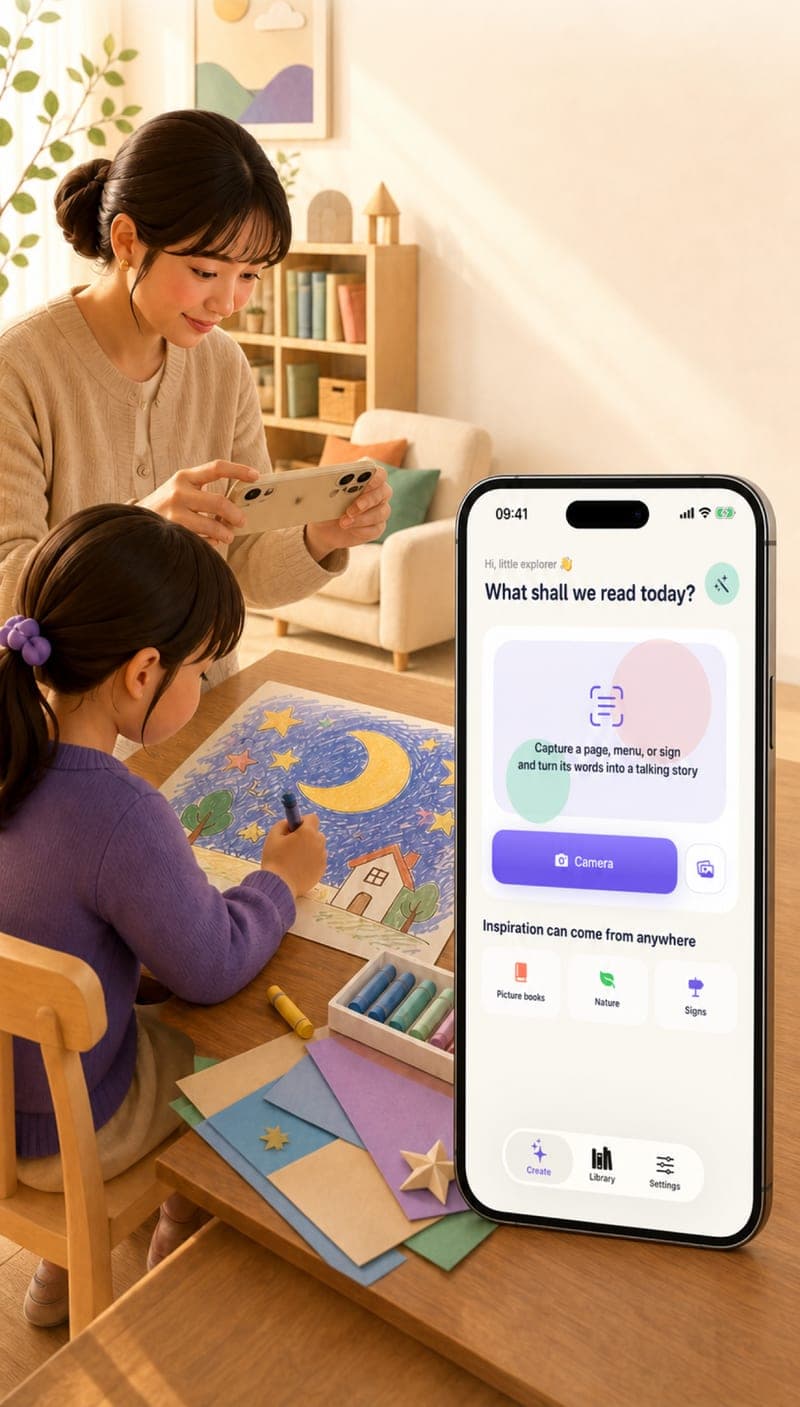
Turn a drawing, craft, or invented character into a story where the child's imagination leads.
Use a supervised family photo or a favorite pet as inspiration for a warm, familiar adventure.
Give a beloved toy, rainy-day game, or family tradition a new story to remember.
Take a photo or select one that connects to something your child knows and cares about.
Create the story in English or Chinese and select approximately one, three, or five minutes.
Edit names and details, save the result, and listen with an available family-friendly narrator.
A child's drawing of a purple cat, three floating flowers, and a tiny yellow house.
“Luna thought the flowers were balloons until one bent down and whispered, ‘The garden above the clouds needs a new keeper.’ She packed one biscuit, waved to the tiny yellow house, and climbed the first green stem…”
Examples are illustrative. Families can review and edit every result.The story begins with an image and details connected to your family. You can then edit names, places, and story text before saving it.
Yes. StoryLens is designed for parent-supervised use, and every generated story can be reviewed and edited before reading or listening together.
Yes. A new generation can explore different details, but families can also save and replay a favorite version without generating it again.
 Start making stories today
StoryLens is now available on the App Store for iPhone and iPad.
Download on the App Store